Best Apps for Grandparents to Read to Grandchildren Remotely

Remote Reading App Finder
Answer these two quick questions to find the perfect reading tool for your next story time!
Our Recommendation:
Quick Wins: The Best Remote Reading Tools
- Caribu: The gold standard for shared reading with synchronized pages.
- Epic! A massive digital library with a "Read to Me" feature.
- Vooks: Animated storybooks that act like a bridge between books and movies.
- FaceTime/Zoom: The basic starting point, though lacking specialized reading tools.
The Game Changer: Why You Need a Dedicated Reading App
If you've tried reading a physical book over a video call, you know the frustration. You hold the book up to the camera, but the kids can't see the pictures clearly, or you're struggling to flip the page while keeping your face in the frame. This is where a dedicated remote reading app is a lifesaver. A remote reading app is a digital platform that allows two or more users to view the same digital book simultaneously in real-time.
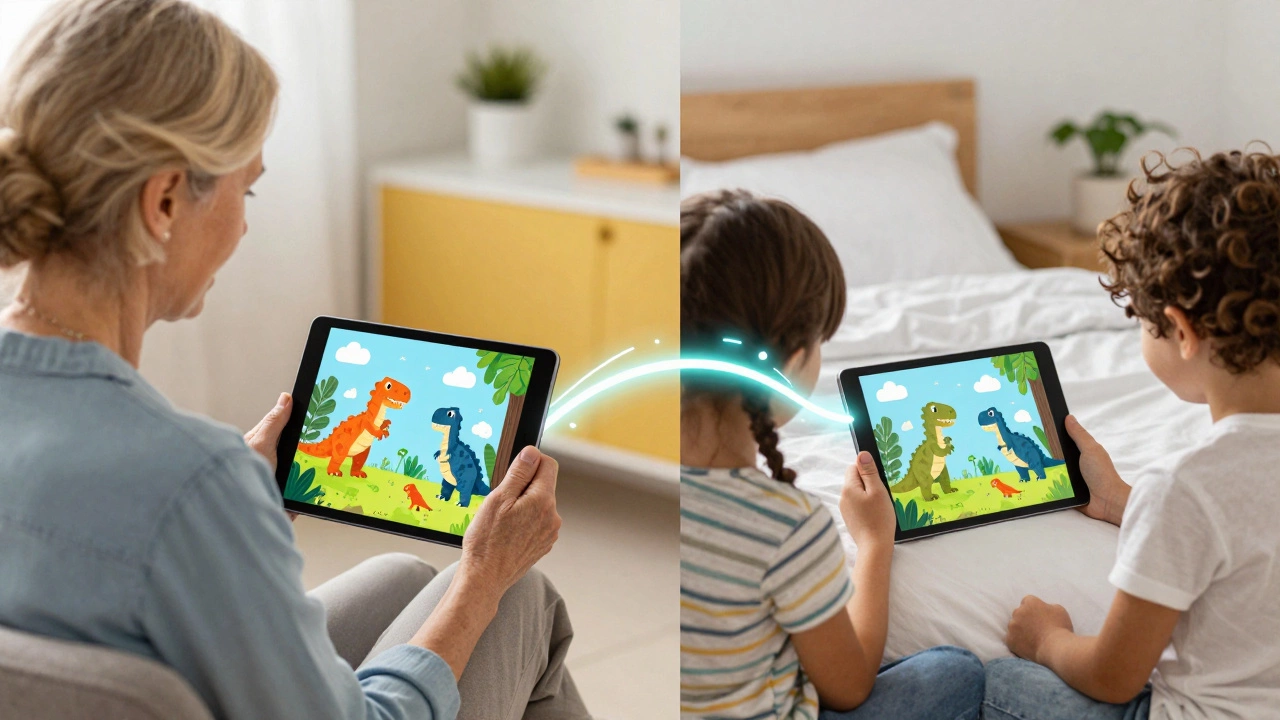
The magic here is synchronization. When you turn a page on your tablet, the page turns on the child's tablet too. You aren't just "showing" them a book; you're reading it *with* them. This removes the technical friction and lets you focus on the storytelling, the funny voices, and the reactions of the kids. It transforms a passive viewing experience into an active, shared emotional connection.
Caribu: Built Specifically for Grandparents
When people ask for the best app for this specific job, Caribu is usually the first answer. Unlike a general library, Caribu was designed from the ground up to foster bonds between adults and children. It isn't just a bookstore; it's a virtual reading room.
One of the coolest things about Caribu is the interactive tools. You can draw on the page together, leave digital stickers, and use a built-in video chat that doesn't obstruct the story. For example, if you're reading a book about dinosaurs, you can circle the T-Rex and ask, "Can you see how big those teeth are?" and the child sees your drawing happen in real-time on their screen. This keeps toddlers and preschoolers engaged far longer than a standard FaceTime call would.
Epic!: The Digital Library for Curious Kids
If you want variety over specific interactive tools, Epic! is a powerhouse. Think of it as the Netflix of children's books. With over 40,000 titles, it's almost impossible not to find something the kids love.
For grandparents, the "Read to Me" feature is a great fallback, but the real value comes from using Epic! as a curated list. You can suggest books to your grandkids, and then both of you can open the same title during a call. While it doesn't have the same seamless page-syncing as Caribu, the sheer volume of content-from National Geographic Kids to original stories-means you'll never run out of material. It's particularly effective for older children who are starting to read independently but still want that guidance and shared experience with you.
Vooks: When Books Need a Little Extra Magic
Sometimes, a child's attention span is just too short for a static page. That's where Vooks fits in. Vooks creates "animated storybooks." These aren't full-blown cartoons; they are professionally narrated books where the illustrations move slightly to bring the story to life.
Using Vooks is a great way to introduce a story. You can screen-share a Vooks video over Zoom or Google Meet. Because the narration is professional, you can focus on the discussion. Instead of spending all your energy reading the text, you can spend it asking, "Why do you think the character did that?" or "What would you do in that situation?" It turns the reading session into a guided conversation.
| Feature | Caribu | Epic! | Vooks | Video Calls (FaceTime) |
|---|---|---|---|---|
| Page Synchronization | Perfect | Manual | N/A (Video) | None |
| Interactive Drawing | Yes | No | No | No |
| Library Size | Curated | Massive (40k+) | Specialized | Your physical shelf |
| Primary Focus | Intergenerational Bonding | Education/Discovery | Visual Engagement | General Communication |
Choosing the Right Setup Based on Your Grandchild's Age
Not every app works for every kid. A three-year-old needs something very different from a seven-year-old. If you're dealing with toddlers and preschoolers, go with Caribu. At this age, they need high engagement and visual cues. The ability to draw on the screen keeps them from wandering off to find a toy halfway through the story.
For elementary-aged children, Epic! is the winner. They have more specific interests-maybe they're obsessed with space or Minecraft-and Epic! lets them explore those niches. You can act as their "digital librarian," helping them navigate the library and discussing the more complex themes found in longer chapter books.
If you have a child with a high need for visual stimulation or someone who struggles with traditional reading, Vooks is the way to go. The gentle animation provides enough stimulation to keep them focused without the overstimulation of a fast-paced cartoon.
Common Pitfalls and Pro Tips for a Smooth Experience
Technical glitches can kill the mood of a story quickly. To avoid the "Can you hear me?" loop, follow a few simple rules. First, always do a tech check five minutes before the kids log on. Ensure your tablet is charged and your Wi-Fi is stable. If you're using a screen-sharing app, make sure you know how to toggle between the book and your camera so the kids can still see your expressions.
Another tip is to establish a routine. Digital reading works best when it's an "event." Tell them, "Every Tuesday at 6 PM is Grandma's Story Time." When it becomes a predictable part of their week, they'll be more eager to log in and engage. Also, don't be afraid to let them "read" to you. Once they get comfortable with the app, let them take the lead. It builds their confidence and changes the dynamic from a lesson to a conversation.
Bridging the Digital and Physical Divide
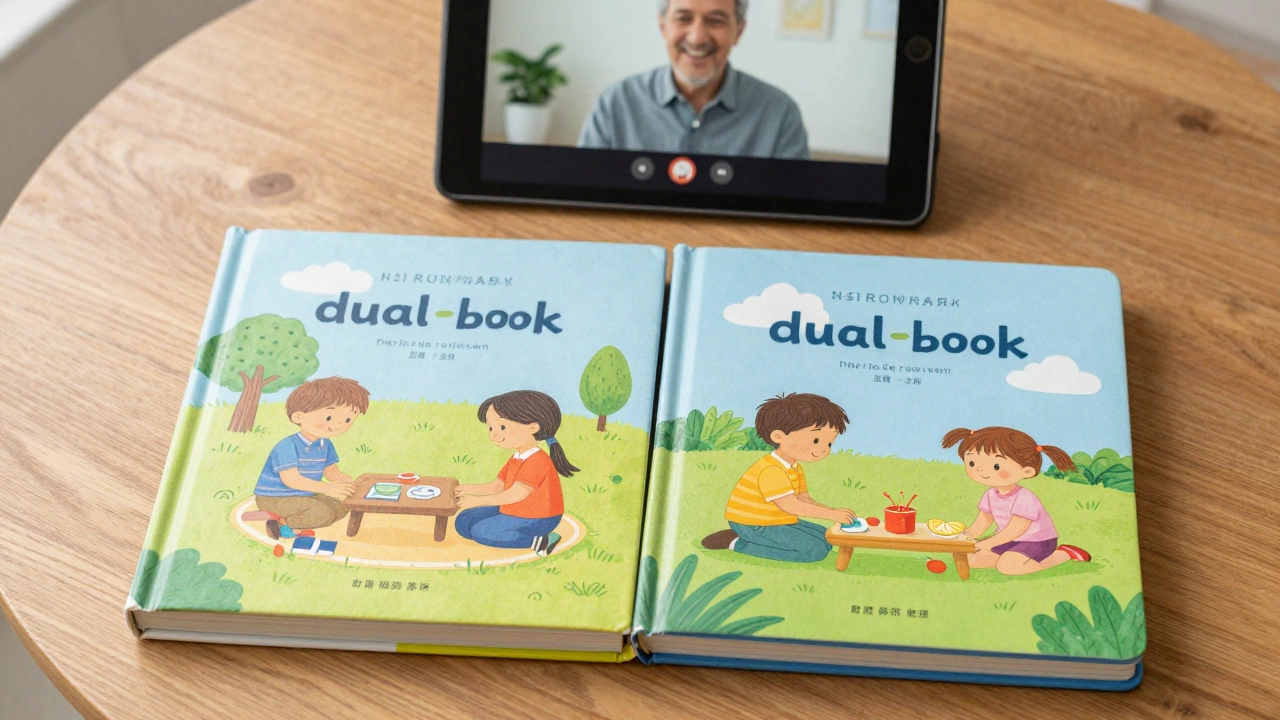
While apps are incredible, they shouldn't be the only way you share stories. A great strategy is the "Dual-Book Method." Buy two copies of the same physical book-one for you and one for them. When you're on a standard video call, you can both flip the pages at the same time. It's less high-tech than Caribu, but there's something special about the smell and feel of a real book that an iPad can't replicate.
You can also use these apps to transition into physical reading. Read a story on Epic!, and then send the physical copy of that book in the mail. The child will be thrilled to recognize the story, and they'll have a permanent memento of your shared experience to keep on their nightstand.
Are these apps free for grandparents to use?
Most of these apps follow a "freemium" model. Caribu and Epic! usually offer a free trial or a limited selection of free books. However, to access the full libraries and all the synchronization features, you'll likely need a monthly or yearly subscription. It's often worth the cost for the quality of the connection it provides.
Do I need a tablet to use these apps?
While you can use a smartphone or a laptop, a tablet (like an iPad or Android tablet) is strongly recommended. The larger screen makes the illustrations easier to see, and the touch interface is much more natural for turning pages and drawing on the screen than a mouse or a tiny phone screen.
Is it safe for children to use these apps independently?
Yes, apps like Caribu are designed with safety in mind. They typically require a parent's invitation and a secure connection. Because these apps are intended for guided reading, the focus is on the interaction between the adult and the child rather than open social networking, making them much safer than general social media platforms.
What if my grandchild doesn't have a tablet?
If the child only has access to a computer, you can still use these services via a web browser. While the experience is slightly different than the app version, the core functionality-seeing the book and chatting with you-remains the same. Alternatively, the "Dual-Book Method" with a simple video call is a great zero-tech alternative.
Can I upload my own stories or family history books?
Most of the major commercial apps focus on their own curated libraries. If you want to read a custom family history book or your own stories, your best bet is to use a screen-sharing feature on Zoom or Google Meet. You can open a PDF of your story on your computer and share your screen so the kids can see the pages as you read.
Next Steps for a Better Reading Experience
If you're feeling overwhelmed by the choices, start simple. Try a free trial of Caribu this weekend. Pick one book you know your grandchild loves and see how they react to the synchronized pages. If they seem more engaged, keep it. If they prefer a wider variety of topics, switch to Epic!. The goal isn't to find the "perfect" app, but to find the tool that gets out of the way and lets the relationship take center stage.