Do Baby Monitors Need WiFi? The Simple Truth About Audio and Video Monitors
Baby Monitor WiFi Decision Tool
This tool helps you decide whether a WiFi or non-WiFi baby monitor is right for your family based on your specific needs and circumstances.
1. Do you need to check on your baby from outside your home?
2. Are you comfortable managing apps, passwords, and software updates?
3. Do you value privacy over convenience?
4. Is your home's WiFi signal weak in the nursery?
5. Do you want to avoid monthly fees?
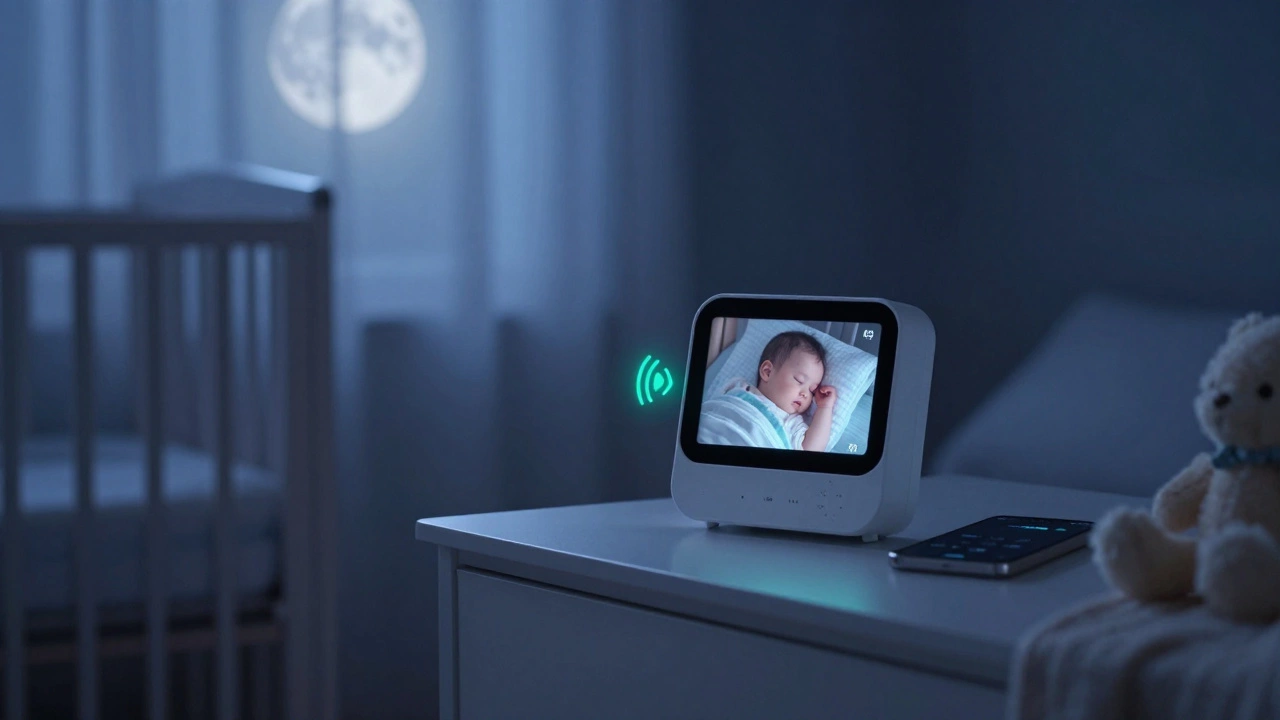
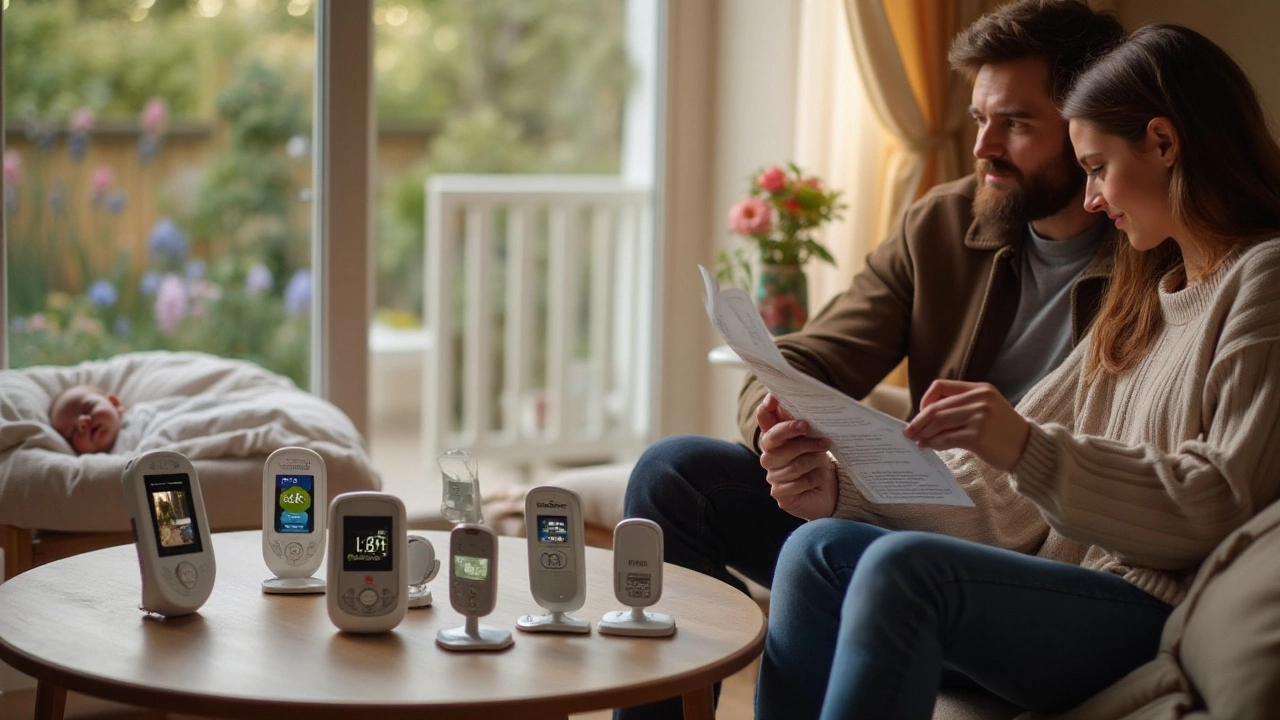
When you first set up a baby monitor, the list of features can feel overwhelming. Video? Two-way talk? App alerts? But here’s the question most new parents actually ask: Do baby monitors need wifi? The answer isn’t yes or no-it’s "it depends." Some do. Many don’t. And for many families, the ones that don’t are the better choice.
Not all baby monitors use wifi
A lot of baby monitors still work just fine without any internet connection. These are the older-style, dedicated devices that use radio frequencies to send audio or video from the nursery to the parent unit. They’re simple: plug in the camera, plug in the monitor, and you’re good to go. No apps. No passwords. No network setup.Brands like VTech, Motorola, and Philips still make reliable non-wifi models. The VTech DM221, for example, is a popular audio-only monitor that uses DECT technology to transmit sound. It has a range of up to 1,000 feet outdoors and doesn’t need your home network at all. It works the same way a cordless phone does-direct wireless signal between two devices.
Video monitors without wifi exist too. The Motorola MBP36S uses a secure digital connection between the camera and the parent unit. It gives you live video with night vision and temperature alerts, but it doesn’t connect to your router. That means no app downloads, no cloud storage, and no risk of your baby’s feed being hacked.
Why wifi baby monitors became popular
Wifi baby monitors took off because they promise convenience. With a wifi model, you can check on your baby from your phone while you’re in the backyard, at work, or even traveling. You get push notifications if your baby cries. You can record clips. You can talk to your baby through the monitor like a walkie-talkie.Brands like Nanit, Eufy, and Arlo pushed these features hard. They marketed their monitors as "smart"-able to track sleep patterns, detect movement, and sync with Alexa or Google Home. For tech-savvy parents, that sounded great. But for many, it turned out to be more hassle than help.
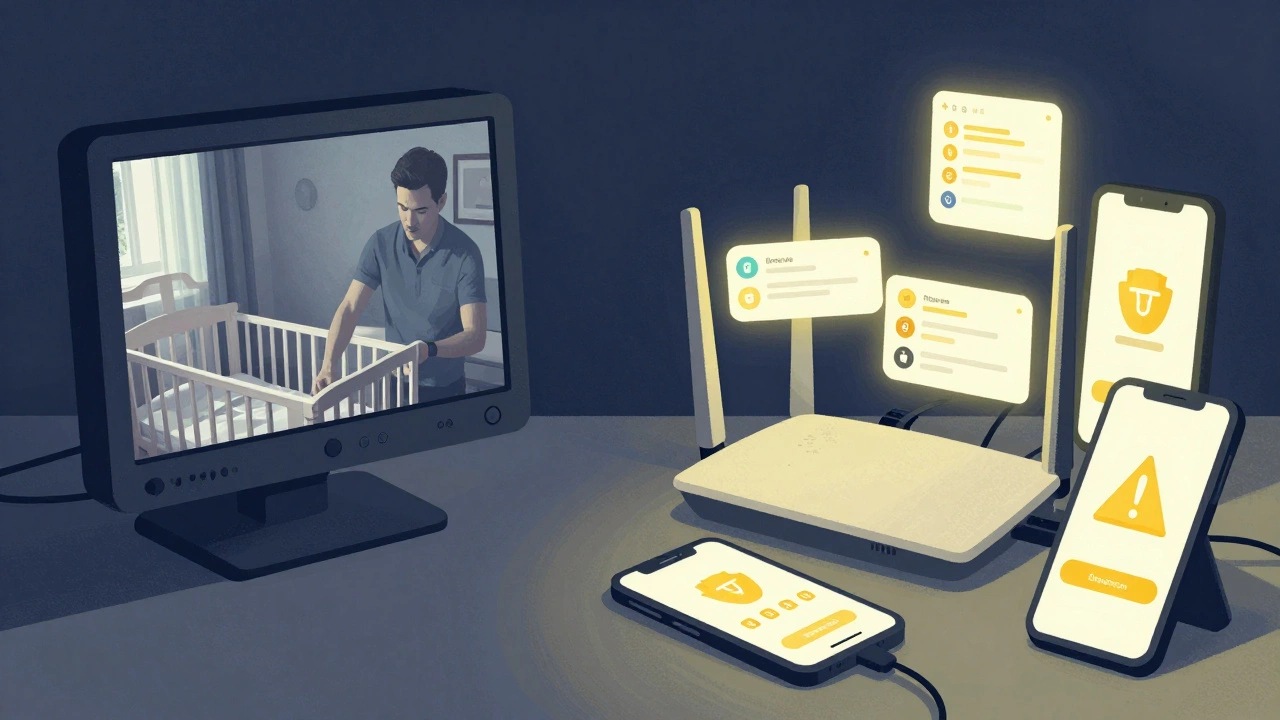
Here’s the catch: wifi monitors rely on your home network. If your internet goes down, so does your monitor. If your router is too far from the nursery, the signal drops. If you forget to update the app, security patches don’t install. And if someone finds a vulnerability in the system? Your baby’s room could be streamed to strangers.
Security risks with wifi monitors
In 2017, a security researcher found that over 100,000 wifi baby monitors were accessible online without passwords. That wasn’t a one-time glitch-it was a pattern. Even well-known brands had weak default settings. Parents assumed their feeds were private, but they weren’t.Since then, manufacturers have improved. But the risk hasn’t disappeared. A 2024 report by the Consumer Technology Association found that 38% of wifi baby monitors still used default passwords that were easy to guess. And if your phone gets infected with malware, that same malware can access your baby monitor app.
Non-wifi monitors don’t have this problem. They’re not connected to the internet. They can’t be hacked remotely. The only way someone could listen in is if they were physically near your home with a radio receiver tuned to the same frequency-and even then, the signal is usually encrypted.
What you actually gain with wifi
Let’s be honest: most parents don’t need to check on their baby from their office. You’re usually home when your baby sleeps. If you’re out, you’re probably not scrolling through a monitor app-you’re focused on work, errands, or a meal.Features like sleep tracking and breathing motion detection sound impressive, but they’re not medical devices. The American Academy of Pediatrics says there’s no evidence these monitors prevent SIDS. They can give you peace of mind, but they can also create anxiety if you’re constantly watching the screen.
Two-way talk is useful if you want to soothe your baby without walking in. But you can do that just as well with a simple audio monitor. Night vision? Standard on most models, wifi or not. Temperature alerts? Available on non-wifi units too.
What wifi really adds is complexity. You need to charge the camera. You need to update firmware. You need to log into an app. You need to manage cloud storage subscriptions. For many, that’s just more work.
When a wifi monitor makes sense
There are times when a wifi monitor is the right choice:- You’re a working parent who needs to check on your baby during a meeting.
- You have a large home and your router is in the nursery, so wifi signal is strong.
- You want to share live video with a partner, grandparent, or babysitter remotely.
- You already use smart home tech and want everything integrated into one system.
If you fit one of these profiles, a wifi monitor might be worth the trade-offs. But if you’re just looking for a reliable way to hear or see your baby while they sleep, you’re better off with a non-wifi model.
How to choose the right monitor for your family
Ask yourself these questions:- Do I need to check on my baby from outside the house? If yes, consider wifi. If no, skip it.
- Am I comfortable managing apps, passwords, and software updates? If not, go with a plug-and-play model.
- Do I value privacy over convenience? If yes, avoid wifi.
- Is my home’s wifi signal weak in the nursery? If yes, a non-wifi monitor will be more reliable.
- Do I want to avoid monthly fees? Most wifi monitors charge for cloud storage or advanced features.
Many parents start with a wifi monitor because it’s trendy. Then they switch to a simple audio monitor after a few months. Why? Because they realized they never used the fancy features-and they missed the peace of mind that comes from knowing their system can’t be hacked.
What experts recommend
Pediatricians and child safety experts rarely push for wifi monitors. The American Academy of Pediatrics recommends monitors that are simple, reliable, and don’t rely on internet connectivity. They warn against over-reliance on technology for infant safety.Consumer Reports tested over 50 baby monitors in 2025. Their top pick for overall safety and performance? The VTech DM221-audio-only, no wifi, no app, no subscription. Their top wifi pick? The Eufy SpaceView, but only with a note: "Ensure your home network is secure and update firmware monthly."
Bottom line: You don’t need wifi to keep your baby safe. You just need a monitor that works when you need it to.
Final thoughts
The idea that you need wifi to be a good parent is a myth. The best baby monitor is the one you’ll actually use-and the one that won’t stress you out with tech problems. For most families, that’s a simple, non-wifi monitor. It’s reliable. It’s secure. It’s quiet. And it does exactly what you need: lets you hear your baby sleep.Don’t let marketing convince you that more features mean better safety. Sometimes, less is more.